Android and iPhone
Send a file to the phone next to you
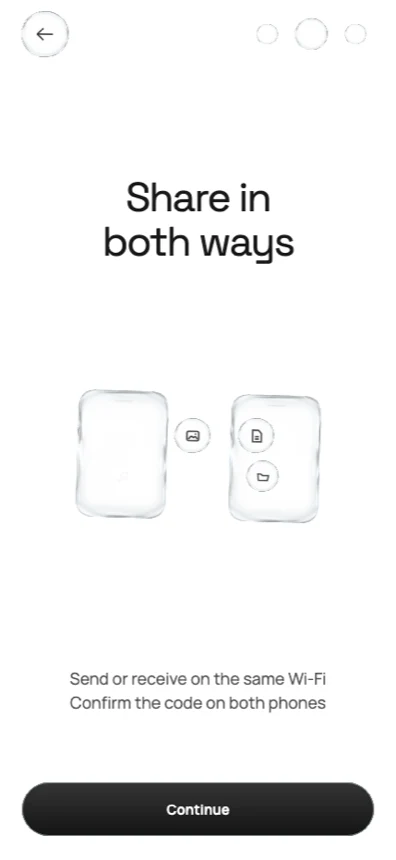
Bring two phones together, compare one six-digit code, and the file moves straight across. No account, no cloud upload, no cable — and it works in both directions between Android and iPhone.
How it works
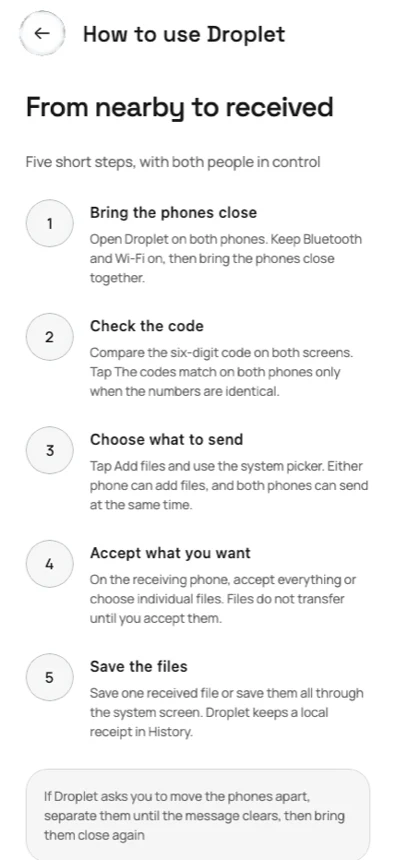
From nearby to received in five steps
Both people stay in control the whole way. Nothing transfers until the receiving phone accepts it.
- 1
Bring the phones close
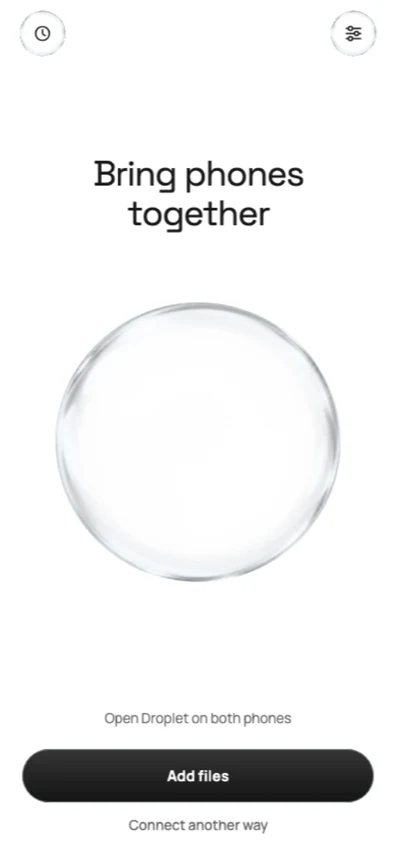
Open Droplet on both phones with Bluetooth and Wi-Fi on, then bring them together. The drop rises as the other phone is found.
- 2
Check the code
Both screens show the same six digits. You confirm only when the numbers are identical, so no stranger's phone can slip in.
- 3
Choose what to send
Add files through the system picker. Either phone can add files, and both can send at the same time.
- 4
Accept what you want
The receiving phone sees the list first and can take everything or pick single files. Skipped files are never sent.
- 5
Save the files
Save one file or all of them through your phone's own save screen. Droplet keeps a local receipt in History.
Why Droplet
Direct, private and deliberately plain
Android ⇄ iPhone
One app on both platforms, and either phone can start the transfer. No “sender” and “receiver” roles fixed to an operating system.
Encrypted for each session
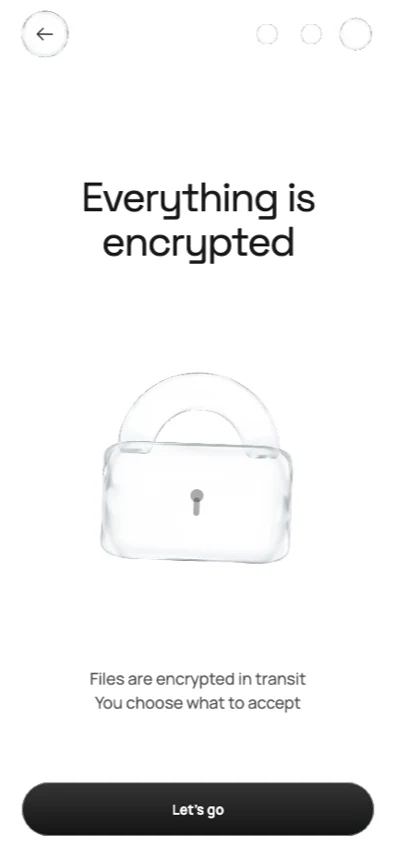
Fresh P-256 keys every session, AES-256-GCM on every frame, and a six-digit code that both people compare before anything moves.
No account, no cloud
Nothing to sign up for. Your files do not pass through a Droplet server — they go from one phone to the other.
No router required
After the code matches, the phones build a temporary direct link of their own. Useful where the Wi-Fi is locked down or missing.
Both directions at once
An outgoing and an incoming batch can run over the same connection at the same time, each with its own progress.
Verified on arrival
Every file is checked with SHA-256 after it lands and the sender gets a delivery receipt. History keeps the record on your phone.
The app
One living piece of glass, from welcome to receipt
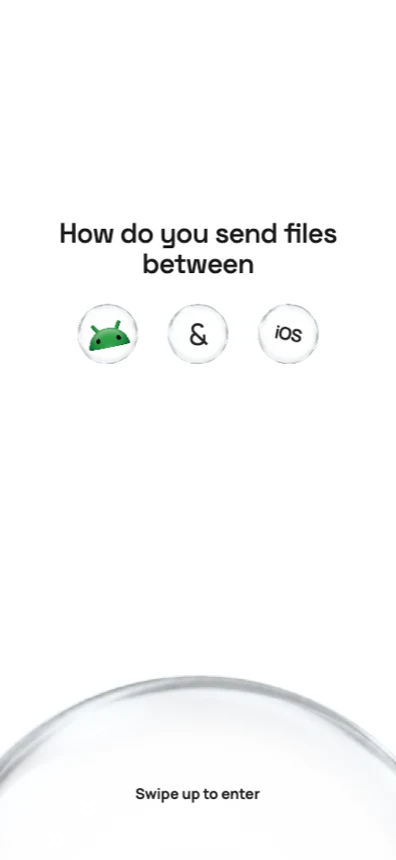
The same drop carries the whole flow. It folds, splits and locks as the story is explained, then becomes the connection itself on the home screen.
Droplet Pro
Share more at once
Sharing is free and stays free. Pro raises how much one transfer can carry.
Free
Up to 5 files or 100 MB in one transfer
- Both directions between Android and iPhone
- Full encryption and code confirmation
- Local history and saving
Pro
Up to 20 files or 1 GB in one transfer
- Everything in Free
- Weekly or yearly subscription
- Prices are shown in your own currency by your app store before you buy
Subscriptions renew automatically until cancelled. Restore Purchases and Manage subscription live in Settings, and the paywall always has a way out.
Under the glass
Built with Kotlin Multiplatform
One shared product — state machine, transfer protocol, navigation and nearly all of the interface — compiled into a real Android app and a real iOS app.
- Shared Kotlin
- 71.7%
- Shared files
- 62
- Native where it counts
- 25
of the product source, measured by a checked-in script
7,766 lines of common Kotlin and Compose
files for Bluetooth, direct Wi-Fi, CryptoKit and JCA, pickers, billing and haptics
Two phones. One code. Your file.
Droplet runs on Android phones and iPhones, with Bluetooth and Wi-Fi switched on and room on the receiving phone for the files.